What a change order is under the prime contract you already signed
Every job starts with a contract that spells out the work, materials, price, and terms. This is the prime contract. It sets the rules for the whole project. When the owner wants something different, or the jobsite throws a curveball, that contract does not change itself. You need a formal change order to adjust the agreement.
A change order is an amendment to your contract. It is not just an agreement to do extra work. It legally alters the original deal: scope, price, and timing. Without this step, you risk doing unpaid work or getting stuck in a payment dispute down the line. Courts and collections care about paperwork, not promises.
Nearly every contract form, from AIA to simple two-pagers, spells out how changes must be handled. Most require written documentation signed by both parties before extra work starts. Verbal approvals almost never stand up if the relationship sours. The change order is your shield when payment stalls.
Keep reading: Fixed Price, Cost Plus, or Not to Exceed: Picking a Remodel Contract
The five fields every change order needs
A good change order is not complicated, but it must be clear. Five fields cover what you need for enforceability and understanding. Skipping any one of these invites confusion, and confusion is what stalls payment.
- Description of the change: Detail exactly what is being added, removed, or modified. Use plain language, reference drawings or specifications if needed, and avoid vague terms.
- Scope of work: Spell out what tasks are included and what is excluded. If demolition, patching, or painting is needed, list it. If something is not included, say so directly.
- Price adjustment: State the extra cost or credit, and show the calculation. If it is an allowance or unit price, document that clearly. If permits or fees are affected, include those too.
- Schedule impact: Note any added days, revised completion dates, or effect on milestones. If the change will not affect timing, write "no impact."
- Signatures and dates: Both the client and the contractor must sign and date the form. This is what turns a request into an enforceable contract amendment.
Some shops add a field for jobsite photos, extra materials, or references to emails. These help, but the five listed above are the foundation. Without them, the change order is just a note, not a contract.
Pricing the change: unit price, allowance credit, or cost plus a fee
The way you price a change order depends on the work and your original contract. There are three common methods that cover most situations. Choosing the right one keeps you and the client on the same page.
Unit Price Method
If your contract lists a unit price for extra work (for example, per square foot, per fixture, or per outlet), use it. Multiply the units by the agreed rate and show the math. This is straightforward and easy for both sides to verify. If the unit price covers labor and materials, say so in writing.
Allowance Credit
Sometimes the client changes their mind about a finish or fixture with an allowance in the contract. If the new selection is more expensive, the change order is for the difference. If it is cheaper, you owe a credit. List the old and new allowance items, prices, and the net adjustment on the form.
Cost Plus a Fee
When the scope is unclear or the work is open-ended (like fixing unforeseen rot), use a cost plus method. Estimate labor, materials, and mark up for overhead and profit according to your contract. Clearly state how you will track hours and materials. Attach receipts and timesheets as backup if the owner requests it.
Whichever method you use, clarity is critical. Show how you arrived at the number, and make sure the client understands. Surprises at invoicing time are what cause payment to stall.
Keep reading: Eight Scope Gaps That Turn a Bathroom Remodel Bid Into a Loss
Schedule impact language that protects your calendar
If a change order will delay the job, you must state this up front. This is not just about fairness: it is about protecting your right to a reasonable schedule. Many contracts say that only written extensions count if the client later claims you missed a deadline.
Describe the schedule impact in plain terms. If a change adds three days to the job, write "This change will extend the completion date by three working days." If the change is weather dependent or requires inspections, note the conditions that could affect timing. If there is no impact, state "No change to project schedule."
For projects with penalties or bonuses tied to completion, make sure your change order spells out how the new work interacts with those clauses. If you do not, you could be penalized for delays caused by changes you did not plan for. The clearer your language, the harder it is for the owner to argue later.
Photographing the condition that caused the change
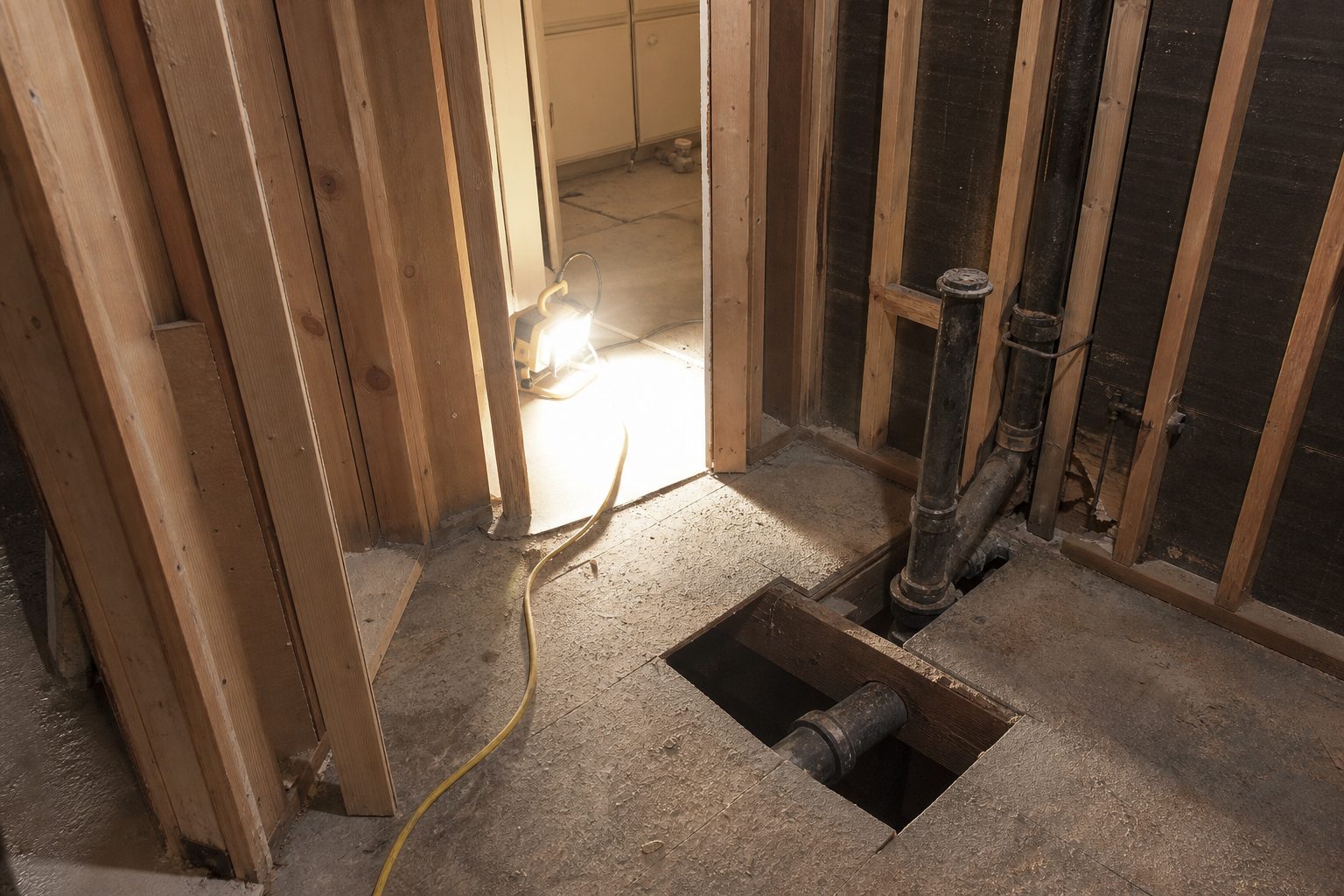
Photos are your best proof when a change order is the result of hidden conditions, damage, or unexpected issues. A simple cell phone photo, time stamped and attached to the change order file, can make the difference in a payment dispute.
Start by documenting the condition before you touch it. Take wide shots that show context, and close-ups that capture the problem. For example, if a wall cavity has mold, shoot the wall before demo, during demo, and after. If a pipe is not where the plans show, photograph it with a tape measure or level for scale.
After the repair or change, take another set of photos. These "after" images help the client understand the work done and justify the cost. Attach the photos to your change order, or include them in your job file. Many shops now use apps that organize these photos automatically, saving time and confusion at billing.
If the owner is on site, walk them through the issue with photos before you fix it. This builds trust and makes it harder for them to dispute the need or price for the work. Good records today keep arguments from dragging out at job's end.
See how ToolboxProof handles this for residential contracting and remodeling
Getting a signature before the crew touches the work
The most common way contractors lose out on change order payment is letting the work start before the change order is signed. Even when you trust the client, and even if they say "go ahead," you lose leverage once the work is done. Courts and insurance adjusters want a signed document, not a handshake.
Make it standard practice to pause before starting any change. Present the written change order with the five essential fields. Walk the client through the price, the description, and the schedule impact. Answer questions on the spot. Only when both sides have signed should your crew begin the work.
Many clients are impatient or want to "think about it." Explain that this protects both parties, not just the contractor. It ensures there is no confusion about what is getting done or what it costs. Email signatures and digital approvals are valid in most states, especially with clear documentation. For urgent issues, get the signature on site, even if it is just on a tablet or phone.
Once signed, file the change order where you can find it. Attach it to your job file, your accounting system, or your client report. Do not rely on memory or verbal confirmations. When payment is delayed, the signed change order is your primary leverage.
Verbal approvals, texts, and what counts as assent
Clients often say "just do it" or send a quick text asking for extra work. While this may feel like approval, it rarely stands up if the client later refuses to pay. Most contracts require written, signed change orders, not just communication.
If you receive a text or email approving a change, reply with the full terms: the work, the price, the schedule impact, and a line stating that work will begin after written approval. Ask for a direct reply stating agreement. Save the thread as backup. This is not as strong as a signed document, but it is better than nothing if the dispute goes to collections or court.
Phone calls are even riskier. If a client gives a verbal go-ahead, follow up immediately with the change order form and request a signature. Document the date, time, and what was said, but do not start work until you have written assent. Some states allow electronic signatures on change orders. Most disputes happen when there is confusion about what was agreed. The more formal your process, the safer your payment position.
Folding the change order into the draw schedule and final invoice
Once a change order is approved and signed, it must flow into your payment system. The best practice is to treat the change order as part of the job's contract value. Add or subtract the amount on your next draw request. Update your total contract sum in your billing system, and reference the change order number on the invoice.
If the change is significant, adjust your draw schedule to reflect the new work and timeline. For small changes, you may bill the full amount on the next invoice. For larger work, spread the cost across progress payments by percentage complete, just as you would for the base contract.
Attach the signed change order, supporting photos, and any backup documentation to your invoice. This makes it easy for the client, bank, or inspector to verify what was agreed. When you send your final invoice, include a summary of all approved change orders, the amounts, and the impact on schedule. This helps prevent end-of-job disputes where owners "forget" about extras or ask for discounts.
Digital tools make it easier to track these changes and document every step. A photo capture and reporting system that ties before and after images to signed change orders simplifies this process. It creates a clear, audit-ready record for every extra and helps ensure you get paid for every bit of work you perform.